Organized, field-ready data helps you deploy cleaning resources with more focus and less guesswork.
SL-DOG stores, validates, and visualizes SL-RAT results, giving your team the tools they need to turn acoustic assessments into timely and targeted cleaning schedules. It keeps inspection data secure, accessible, and easily sortable.
Collecting data is only half the job. SL-DOG enables teams to validate, organize, and analyze inspection results. It’s time for your team to experience the benefits of condition-based maintenance.
SL-DOG lets you start where you are. Every inspection is automatically recorded, mapped, and archived for future use.
Turn inspection scores into efficient cleaning plans. From project maps to exportable reports, your data starts working right away.
Crews, supervisors, and contractors can all access the same information. With notes, asset IDs, and status updates, handoffs are smooth and decisions are aligned.
Review each reading using time stamps, GPS data, and built-in flagging tools.
Access past inspections for any segment to compare results and identify recurring issues.
Group inspection results by project, crew, or timeframe to simplify planning and reporting.
Log observations during inspection—like access issues or flow conditions—without leaving the app.
Display only the segments that match your criteria—by score, status, crew, or date range.
Each inspection is logged instantly and securely in the cloud—no manual entry required.
Actionable Data: Use the SL-DOG Portal to facilitate collection system maintenance management from SL-RAT data. Watch the demo video.
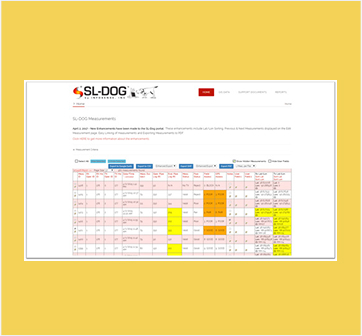
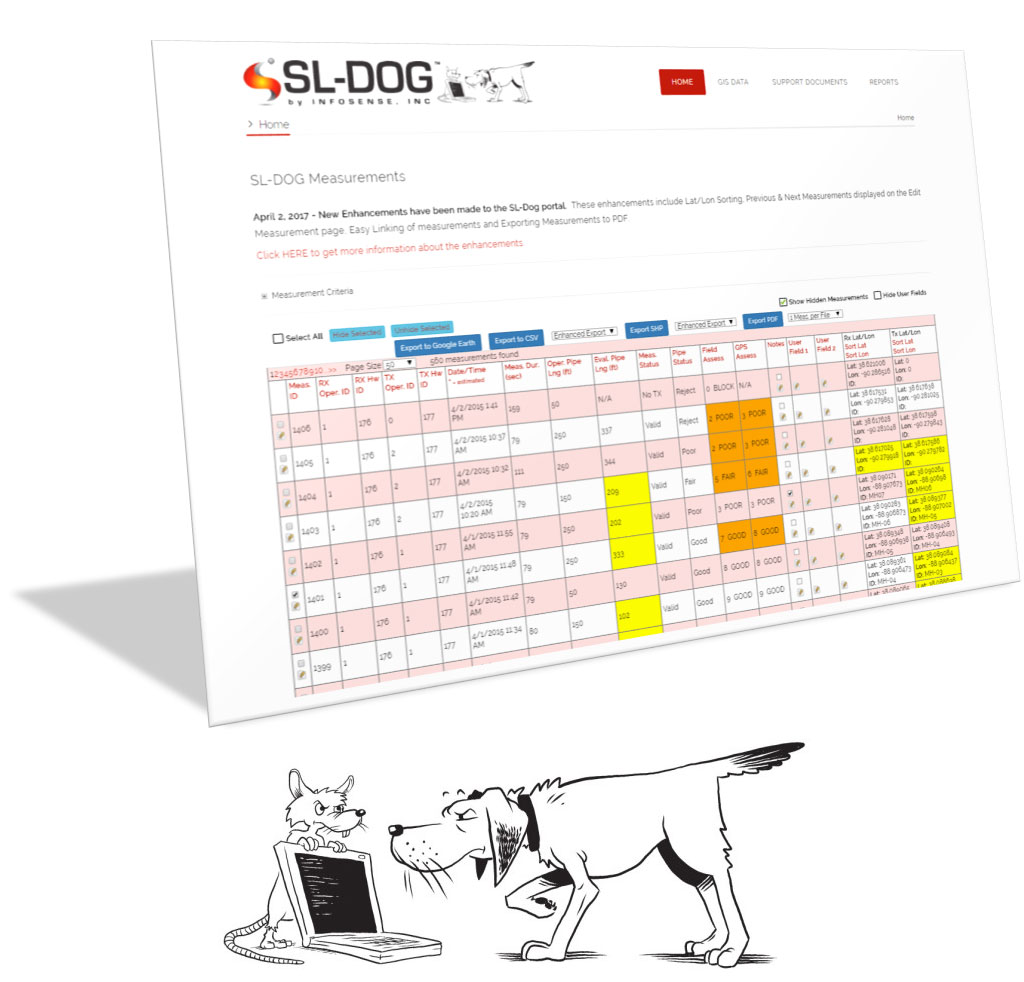
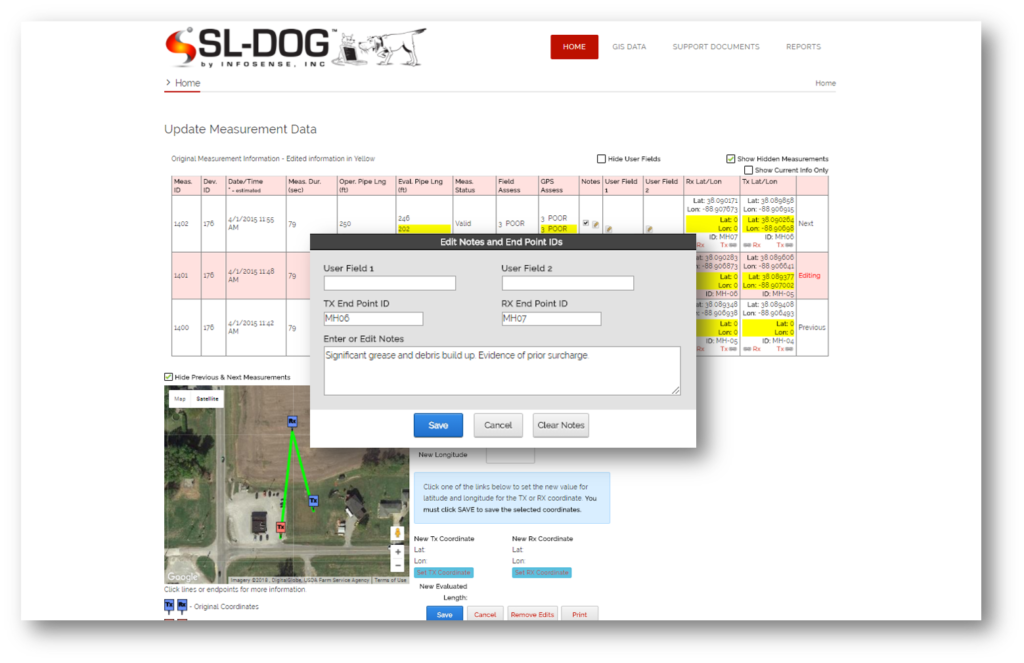
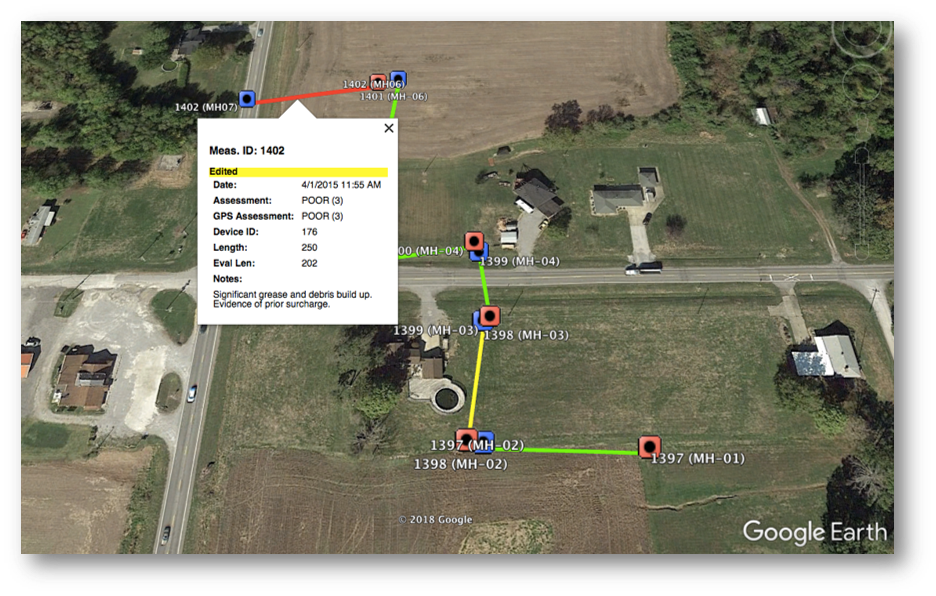
The SL-DOG web portal allows users to organize, archive, view, report and visualize the data for all the downloaded SL-RAT measurements they have conducted. A measurement filter page allows users to filter for specific measurement data based on scores, notes, or proximity. Notes can be added to each measurement, and the GPS coordinates can be edited for accuracy. Measurement data can be exported as a CSV, KML, SHP or PDF files for easy integration with other enterprise systems such as ArcGIS, Cityworks, Cartegraph, Hansen, and Lucity.
The Sewer Line Data OrGanizer is the only data management software specifically designed to help manage SL-RAT acoustic assessment data. The SL-DOG ensures that all uploaded data is securely archived for future access, and is essential to creating daily verification reports and summaries, which is the protocol in the ASTM Standard, “Standard Practice for Prioritizing Sewer Pipe Cleaning Operations by Using Transmissive Acoustic Inspection.”
You can download your SL-RAT measurement results in the following formats: CSV (Excel), SHP (ArcGIS), PDF or to KML (Google Earth).
Access to the SL-DOG requires a Microsoft Windows-based PC using (XP, 7, 8, 10, or 11). and a supported web browser (Chrome or Internet Explorer). Please note, the SL-DOG is not supported by Firefox at this time. Users also need a standard USB cable (provided with the SL-RAT), an active internet connection, and log in credentials.
The SL-DOG mobile app is a free app for iOS (Apple) and Android mobile devices such as tablets and smart phones. The app allows operators in the field to add notes to the data being collected. Please see this recorded webinar on the mobile app, or see the Quick Start Guide provided in your SL-DOG portal under Support Documents for more information on how to use the mobile app.
You will need to install a desktop app (System Setup) and USB Setup, which can be accessed through the SL-DOG Portal’s Support Docs page. Installation instructions can be found in your SL-DOG web portal in the SL-DOG Quick Start Guide, located in the same Support Docs page. Once all installations have been completed, the user can connect the SL-RAT to the PC using the provided non-proprietary USB cable and upload measurements.